
Having a website is great. It’s true that no one can be available 24/7 to answer every visitor’s question. Visitors often have questions or need a quick response especially when they are on your contact page. If they don’t find help fast they might just leave which means a missed opportunity for you.
But if you add a chat link to your contact page can solve this problem. It gives visitors an easy way to reach out instantly, whether they need product information, support or answers to simple questions.
Let’s walk you through the simple steps to add a chat link to your contact page. It’s a minor adjustment with a significant effect that will assist you in keeping your customers satisfied and involved while enhancing the usefulness of your website like never before.
Why You Should Add a Chat Link to Your Website’s Contact Page
Your contact page is the primary place for visitors wanting to get in touch with you. However, at times, completing a form or waiting for an email response simply isn’t sufficient.
Individuals seek quick responses when determining whether to purchase or reach out. A chat link enables visitors to reach out to you immediately, providing them with an easy, quick method to receive the assistance they require.
1. Better Engagement, More Conversions
Adding a chat link can boost engagement. When clients receive prompt replies, they are more inclined to remain on your website and take action. That swift assistance can transform everything, converting an inquisitive visitor into a pleased customer.
2. Builds Trust and Credibility
When visitors see a chat option, it signals that you’re there to help. It builds trust, showing that you’re ready to support them without delay. This added trust can help in building long-term relationships with customers, which is essential for business growth.
3. Simple Solution, Big Impact
Incorporating a chat link is simple but yields significant outcomes. It’s a simple method to improve your customer service, satisfy users, and guarantee they don’t exit your site with unresolved queries.
Types of Chat Options for Your Website’s Contact Page
You have few choices when you need to add chat options. Each one has its own perks, so picking the right option depends on your needs and how you want to engage with your visitors.
1. Live Chat Widgets
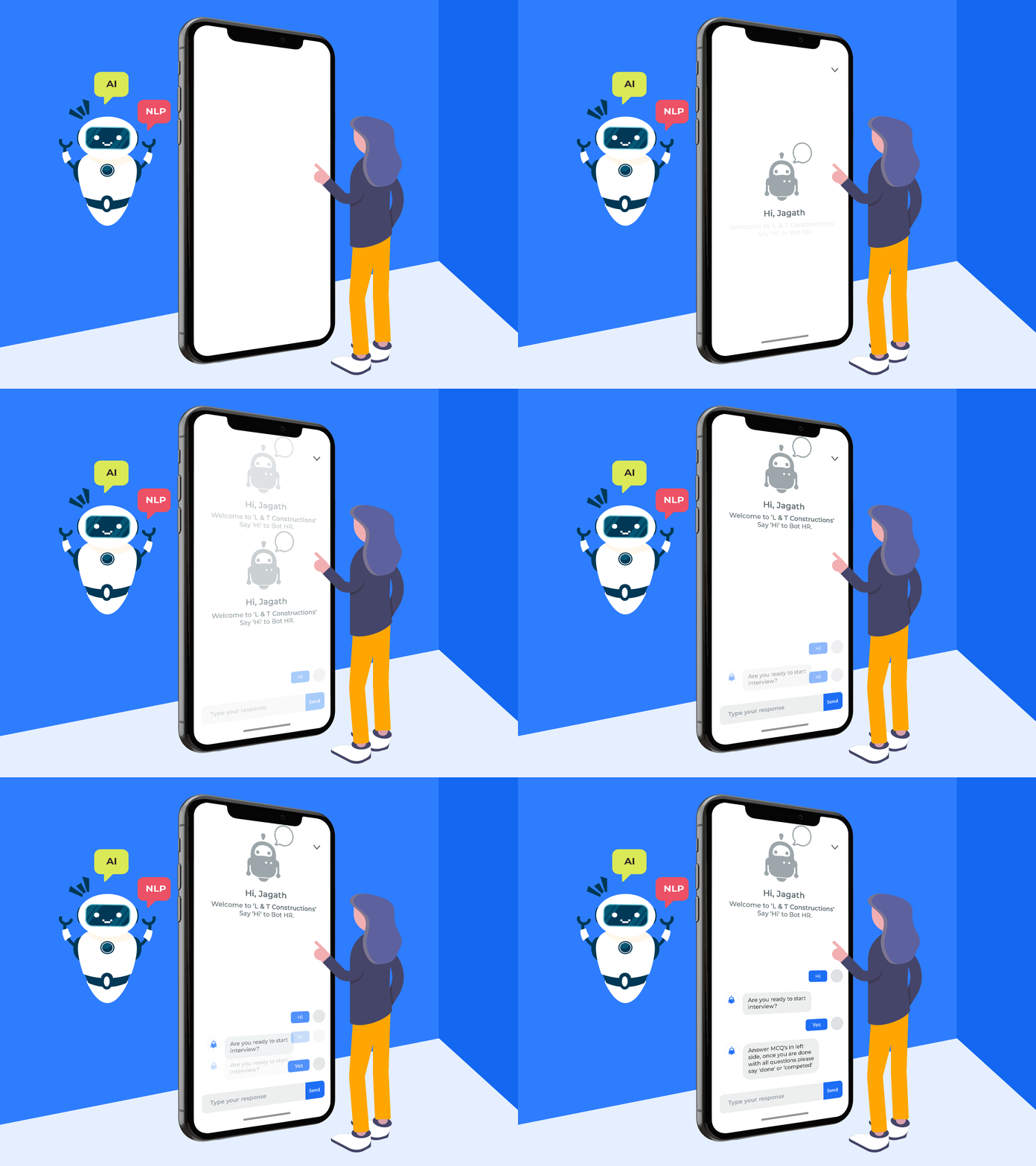
A live chat widget is an on-page chat box that allows visitors to enter questions directly on your website. Numerous companies utilize live chat as it provides a more engaging and personalized experience. You can choose to reply instantly or configure it to dispatch automated responses when no one is present with live chat.
2. Messaging Apps
If your audience is already using popular messaging applications, a WhatsApp or Messenger link can be an excellent choice. Users can initiate a conversation with you in the app they currently utilize. This is advantageous for you and your customers since they can reach out with a simple click, and you can reply directly from your phone or computer.
3. Website-Based Chat Links
You can include a basic chat link that launches a chat window or form upon clicking for an easier configuration. It may lack all the features of a live chat widget, but it still offers a fast method for visitors to reach out. Certain services provide straightforward chat links without the need for additional plugins.
4. Email and Callback Requests
If instant messaging isn’t your style then you can set up a link for email or callback requests. This option lets visitors leave their contact info and receive a response within a specific time. It’s a bit slower than live chat but still gives users a direct line for support.
How to Add a Chat Link to Your Website’s Contact Page – Step-by-Step Guide

Adding a chat link to your contact page is simpler than you might think! Just follow these steps to add it to your website.
Step 1: Choose Your Chat Platform
Initially, you need to choose the platform that suits your requirements the most. A few well-known choices are WhatsApp, Facebook Messenger, and dedicated live chat applications.
Step 2: Create Your Chat Link
Once you have chosen your platform then it’s time to generate a chat link. Many platforms provide ready-to-use links for starting a chat directly. For example:
- WhatsApp: Use a link format like https://wa.me/yourphonenumber, where you replace your phone number with your own phone number (including the country code).
- Facebook Messenger: Use a link like https://m.me/yourusername replacing yourusername with your Facebook page username.
Step 3: Add the Link to Your Contact Page
Now, it’s time to place the link on your contact page. You can do this by editing the page’s HTML or using a CMS plugin if you’re on a platform like WordPress.
- HTML Option: Insert the link in your page’s HTML as a clickable button or text. Use code like this: <a href=”https://wa.me/yourphonenumber”>Chat with Us on WhatsApp</a>.
- CMS Plugin: If you use WordPress, look for chat link plugins. These plugins let you add chat links without touching any code.
Step 4: Customize the Link for Better Visibility
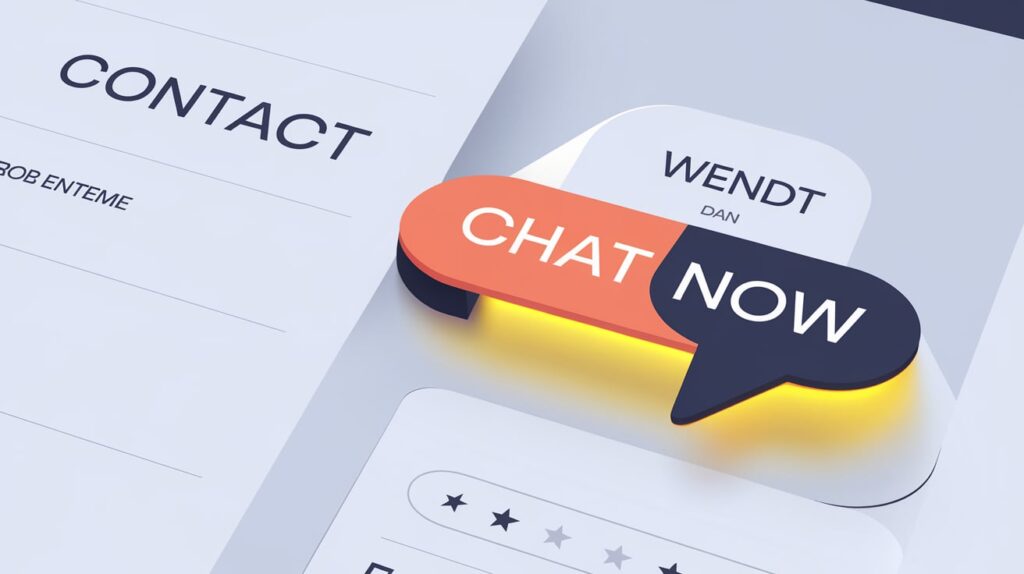
Make sure your chat link stands out. You can show it as a button, icon, or emphasized text to attract attention. Incorporate a direct call-to-action such as “Chat Now” or “Get Instant Help” so that visitors understand what they can expect.
Step 5: Test the Chat Link
After adding the link, test it to ensure it works smoothly. Click on the link from both desktop and mobile to confirm it opens the correct chat window and doesn’t show any errors.
Best Practices for Optimizing Your Chat Link
A chat link on your contact page is a great start, but optimizing it can make it even more effective. Here are some tips to ensure your chat link gets noticed and used by your visitors.
1. Make It Stand Out Visually
Place your chat link in a prominent spot on your contact page. Using a bright button, bold text, or a recognizable chat icon can help draw attention. Make sure it doesn’t blend in with the rest of the page—visitors should spot it right away.
2. Consider Placement on Mobile
With so many visitors browsing on mobile, make sure your chat link is easy to find and tap on smaller screens. Placing it near the top or as a sticky button can improve accessibility and encourage clicks from mobile users.
3. Offer Offline Options
If you aren’t reachable around the clock, configure an automatic reply for when you’re not online. Numerous chat platforms enable you to show a message that notifies visitors about your return or prompts them to provide their contact details. This way, users still feel attended to, even if you’re unavailable in real-time.
4. Test the Chat Link Regularly
Develop a routine of checking your chat link regularly to verify that it functions correctly. Test across various devices and browsers to ensure that users encounter no problems. A faulty link or unresponsive chat can drive visitors away.

Conclusion
Incorporating a chat link on your website’s contact page is an easy action that can have a significant impact. It offers guests a quick, simple method to connect, obtain responses, and feel assisted.
Experiment with it and observe how it affects your interactions with customers—it’s a minor adjustment that can produce significant improvements in customer satisfaction and loyalty.
FAQs
Can I add multiple chat links on my contact page?
Yes, you can add links to different chat platforms (like WhatsApp, Messenger, and live chat) to give visitors more options for reaching you.
Will adding a chat link affect my website’s loading speed?
A simple chat link generally has minimal impact on loading speed, but complex live chat widgets may slightly slow down the page. Keep an eye on performance if you use a widget.
Do I need coding skills to add a chat link?
Not necessarily! Many chat platforms offer simple link generators, and most website builders allow you to add links without coding.
Can I customize my chat link to match my website’s design?
Yes, most chat link buttons can be styled to fit your website’s look. You can customize colors, text, and placement to make it blend in or stand out.
Is it possible to receive chat messages on my phone?
Yes, many chat platforms, like WhatsApp and Facebook Messenger, allow you to receive and respond to messages directly on your phone, keeping you connected on the go.